Shopify Order Notifications Setup Guide
Follow these steps to connect your Shopify store with Notifico and start receiving real-time notifications.
Prerequisites
- A Shopify store with admin access
- Notifico app installed on your device
- Notifico Shopify plugin installed on your store. Here is the link: https://apps.shopify.com/notifico
Setup Steps
Create a Shopify Channel
Go to the Create Channel screen in Notifico app. Select Channel Type as 'Shopify' and enter your Shopify shop domain (e.g., your-store.myshopify.com).

Copy Your API URL or Scan QR Code in Shopify Plugin
Navigate inside the channel you just created. You'll find your unique API URL displayed. Copy this URL as you'll need it for the plugin configuration or scan the QR code displayed in Shopify Plugin.

Configure Shopify Plugin
Open your Shopify admin panel, go to Apps, and find the Notifico plugin.Scan QR code or Paste the API URL you copied in the previous step into the plugin settings.


Test Your Integration
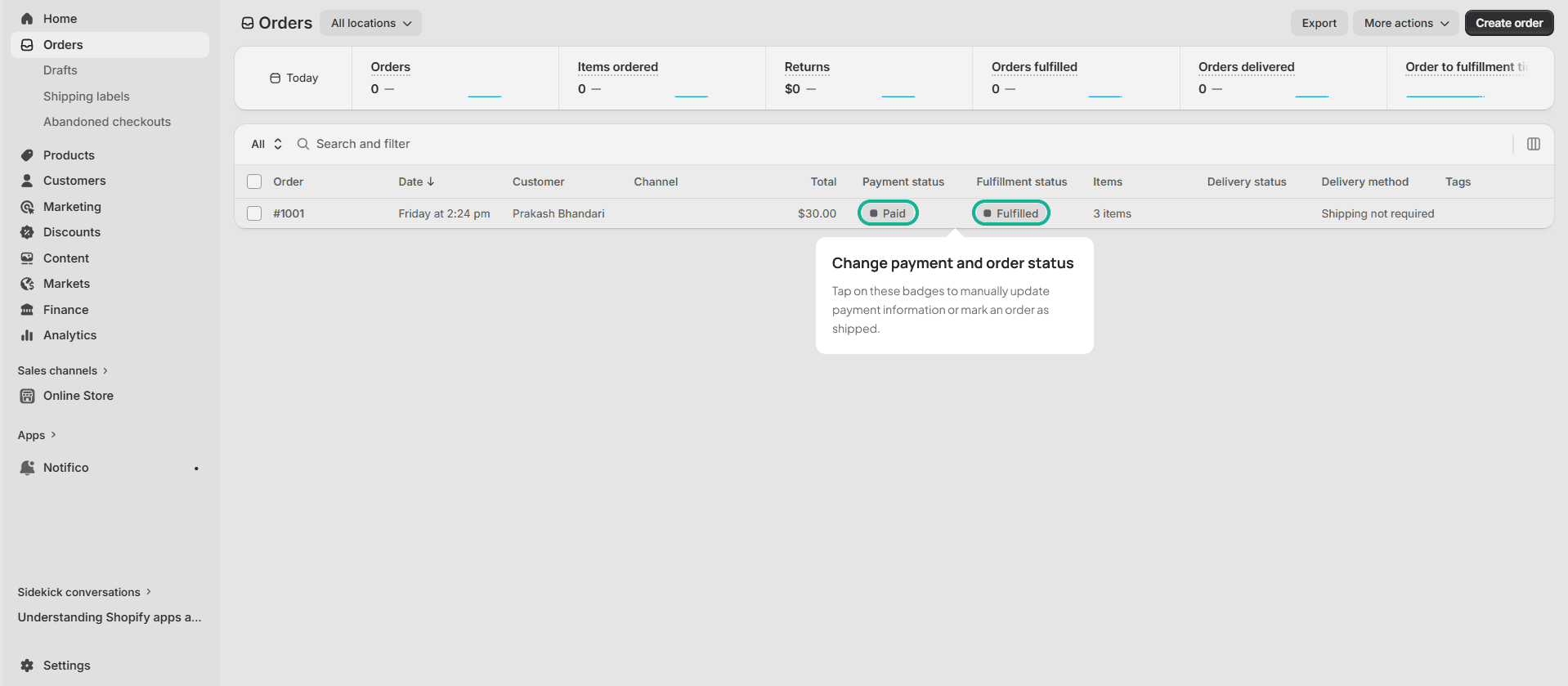
Start making purchases and managing orders in your Shopify store. Change order statuses, add products from the dashboard, and verify that notifications appear in the Notifico app.
💡 Pro Tips
- • Make sure your Shopify store is on a paid plan for full API access
- • Test with a small order first to verify the connection
- • Check the Notifico app alerts screen for your specific channel
Questions
- Do I need a paid Shopify plan to use Notifico?
- Yes - a paid Shopify plan is required for full API access.
- I don't see a notification after a test order - what do I check?
- Open the Notifico app and check the alerts screen for your specific channel - the order alert appears there first.
- Not on Shopify or WooCommerce - can I still send alerts?
- Yes. The custom webhook guide covers sending alerts from any application or script using the Notifico REST API.